For associations
Registration forms your whole committee can run
Most associations run on a handful of volunteers and a shared inbox. TinyForms replaces the reply-to-this-email sign-ups with real forms: members fill them in, the answers land in one list, and the next person to take over the role can pick it up without a handover document.
What usually goes wrong
Not because anyone is careless, but because the tools were never built for a volunteer committee.
The member list lives in one person's inbox
Sign-ups arrive as emails, get copied into a spreadsheet by hand, and the spreadsheet lives on one laptop. When that person steps down, the list goes with them.
Nobody knows what may still be kept
Old registration lists sit around for years because deleting them is a manual job nobody scheduled, and the GDPR question only comes up once someone asks.
Half the members read another language
In a Belgian or border-region association, a Dutch-only form quietly excludes part of the membership, and maintaining two versions doubles the work.
Chasing contributions by hand
Sign-up and payment are two separate steps, so somebody reconciles a bank statement against a list every year.
What TinyForms does about it
Each of these is a feature you configure once and then leave alone.
One list, several administrators
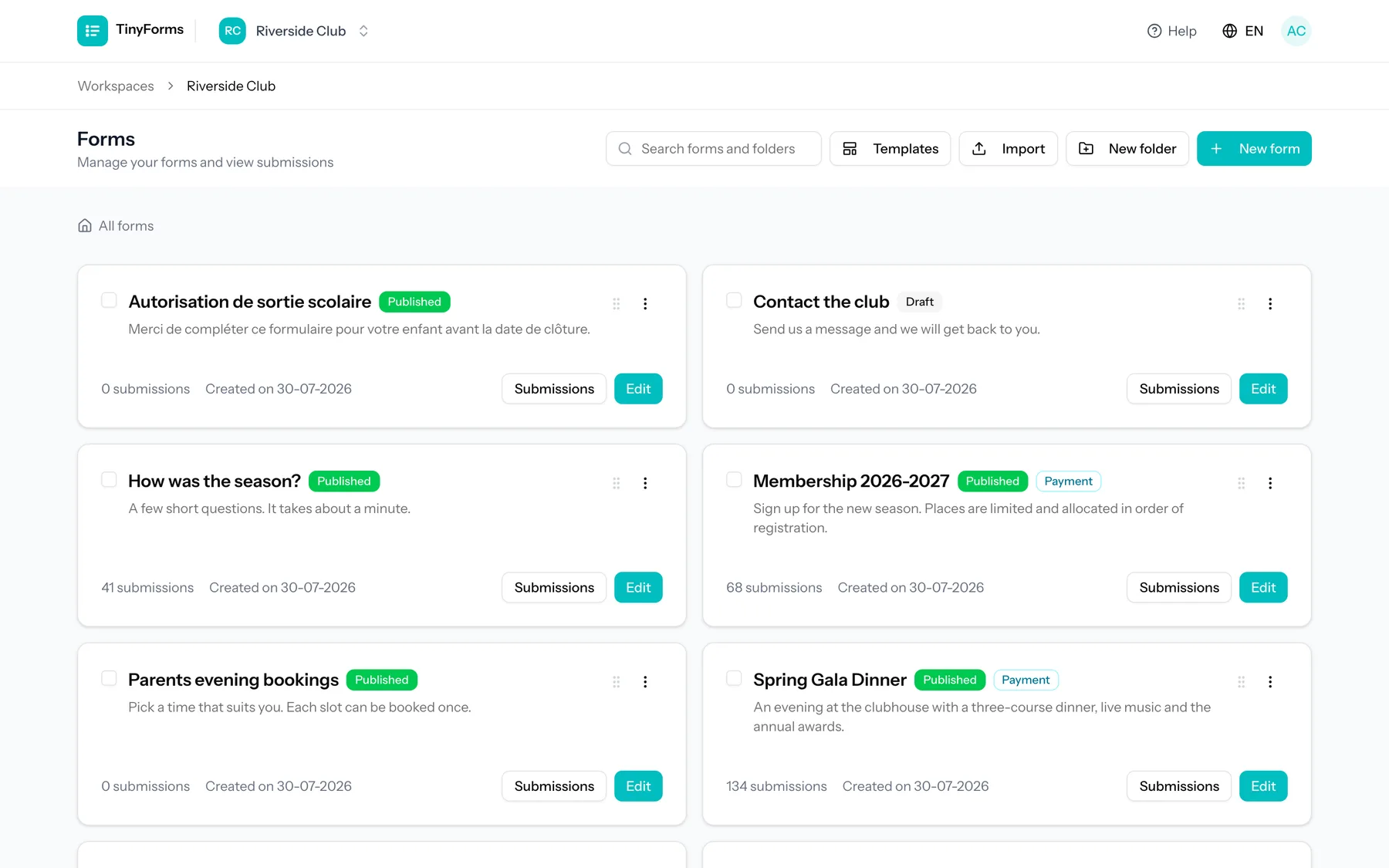
A workspace holds your forms and submissions, and you invite the rest of the committee into it as owner, admin or member. Handing over a role no longer means handing over a file.
One form, four languages
The form interface, the emails and the whole application are available in English, Dutch, French and German, and you can pin a form to one language or let it follow the visitor.
Contributions collected on the form
Connect your own Mollie or Stripe account and take the membership fee during registration, with different amounts per membership type. Available on Pro and Business.
Retention you decide once
Set how long submissions are kept per workspace and they are deleted automatically after that. Export what your yearly report needs before that window closes; the payments themselves stay on record with your payment provider.
The spreadsheet, kept up to date for you
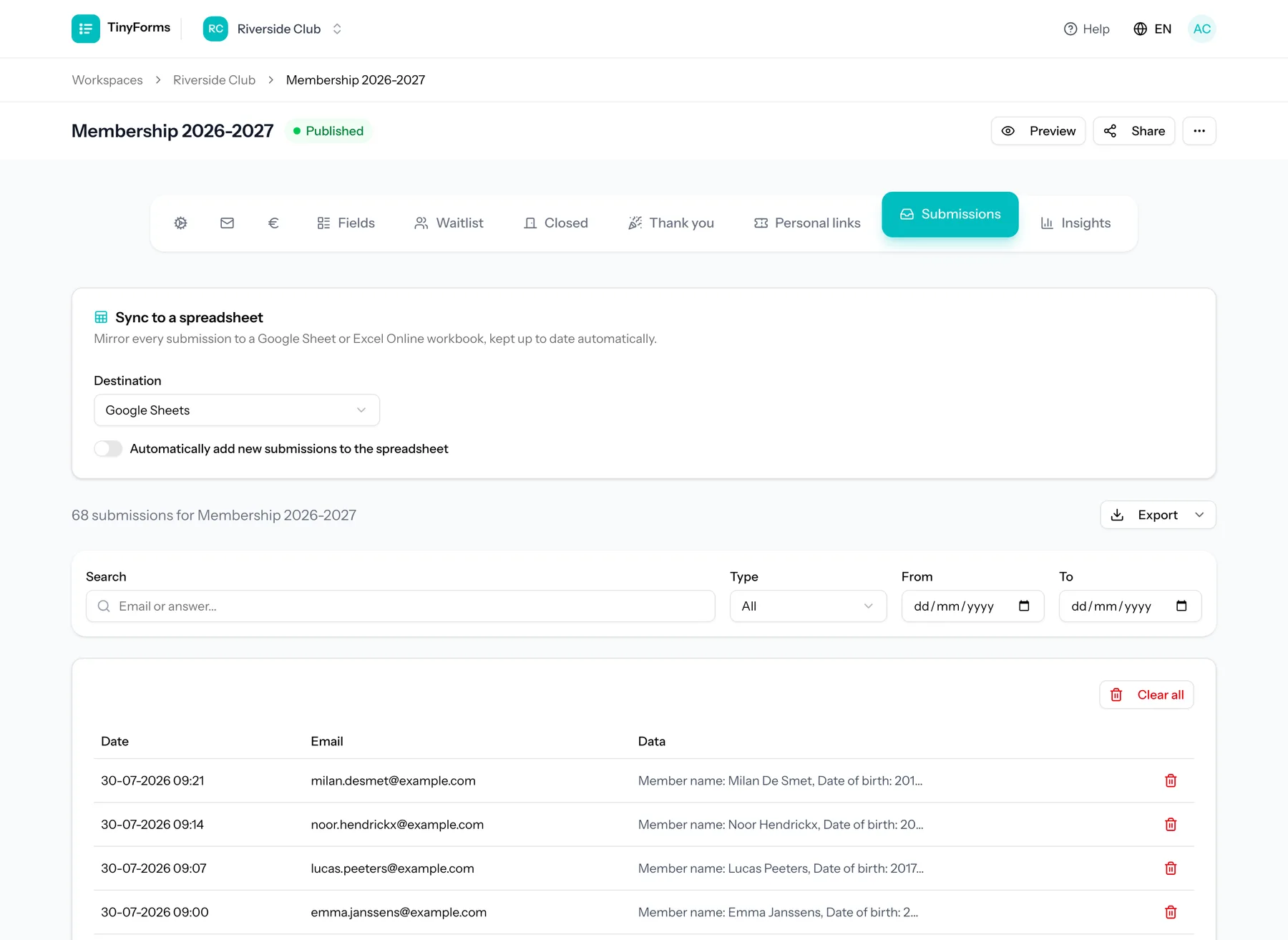
If your treasurer wants a spreadsheet anyway, sync submissions to Google Sheets or Excel Online as they come in instead of exporting by hand. Available on Pro and Business.
Confirmations that go out on their own
The member gets a confirmation with their answers, and whoever handles registrations gets a notification. Both are on every plan.
What associations build with it
A few forms cover most of the year.
Annual membership registration
Contact details, membership type with its own fee, a consent checkbox for your privacy policy, and a confirmation email the member can keep.
Event and outing sign-ups
A capped number of places with a waiting list behind it, so a full event keeps collecting names in order instead of turning people away.
General meeting attendance and proxies
Who is coming, who is sending a proxy and to whom, using conditional fields so the proxy questions only appear when they are relevant.
Volunteer sign-up
Which tasks someone can help with, using checkboxes with per-option limits so each shift fills up exactly once.
Getting your first form live
- 1
Start from a template
Copy the member registration template into your workspace and change the fields to match how your association is organised.
- 2
Set the language and retention
Choose the language the form is shown in, and how long you want to keep the answers.
- 3
Publish and share the link
Publishing gives you a public link to put in your newsletter, on your website or in a message to members.
- 4
Watch the answers arrive
Submissions appear in the workspace immediately, and can be exported to CSV or synced to a spreadsheet whenever you want them elsewhere.
Questions associations ask
- Can several committee members manage the same forms?
- Yes. Invite them into the workspace and give them the owner, admin or member role. The Free plan covers one member, Pro covers five and Business covers twenty.
- Do we need our own payment account to collect contributions?
- Yes. Payments run through your own Mollie or Stripe account, so the money goes straight to the association and never passes through TinyForms. Payments are part of the Pro and Business plans.
- How long are member details kept?
- For as long as you set. Each workspace has a retention period after which submissions are deleted automatically, up to 30 days on Free, up to a year on Pro, and without a ceiling on Business.
- Is the Free plan enough for a small association?
- It covers three forms, a hundred submissions a month and one administrator, which is enough to run a registration round. Payments, file uploads and spreadsheet sync need Pro or Business, and every new workspace trials Pro for fourteen days.
- Where is the data stored?
- In the European Union. TinyForms is built and operated in the EU by Hyperchicken BV, and your forms and submissions stay there.
Related solutions
Payments through Mollie or Stripe
Take the money while someone registers, with your own Mollie or Stripe account and a total that follows their choices.
How it worksGoogle Sheets sync
Every submission lands in a spreadsheet as it happens, so nobody exports anything by hand.
How it worksGDPR-friendly forms
EU hosting, automatic deletion after a period you set, and consent recorded with the submission.
How it worksRelated templates
Association membership
A member register you can hand over, with consent recorded and retention set.
View templateEvent registration with payment
Ticket types with their own prices and capacity, extras, and payment during registration.
View templateFree contribution
Suggested amounts or one of their own, with a minimum, paid in the same step.
View templateSet up your association's registrations
Start on the free plan, or copy a template and see what it looks like first.