Fields
Documents that arrive with the answers
Asking people to email an attachment separately guarantees that some of them will not, and that matching the ones who do to the right registration becomes a job. A file-upload field collects the document as part of the form, attached to the submission it belongs to.
The problem it solves
Attachments sent by email arrive in a different place, at a different time, from a different address than the registration they belong to. Someone then files them by hand, which is where they get lost, and any file with personal content sits in an inbox that was never meant to hold it.
Who this is for
Any form where an answer is a document.
- Schools collecting medical certificates with a permission slip
- Sports clubs asking for a member photo or a medical clearance
- Associations collecting proof of a discount entitlement
- Application and submission forms of any kind
How it works in TinyForms
A field type like any other, with storage handled differently.
- 1
Add a file field
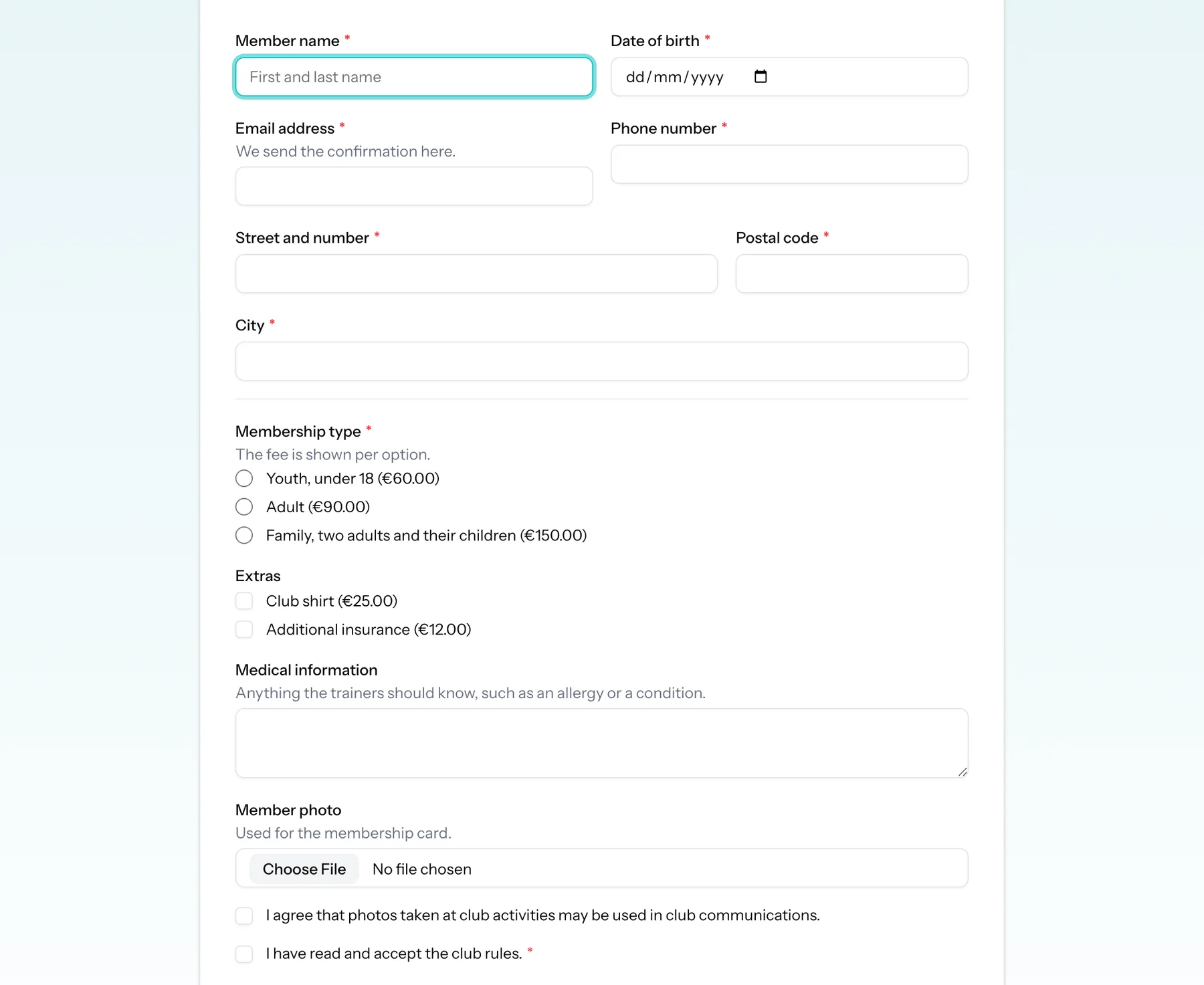
Drop a file-upload field into the form, give it a label and help text, and mark it required if the document is not optional.
- 2
The file is stored privately
Uploads go to a private disk rather than a public URL, so there is no shareable address that leaks.
- 3
Download it from the submission
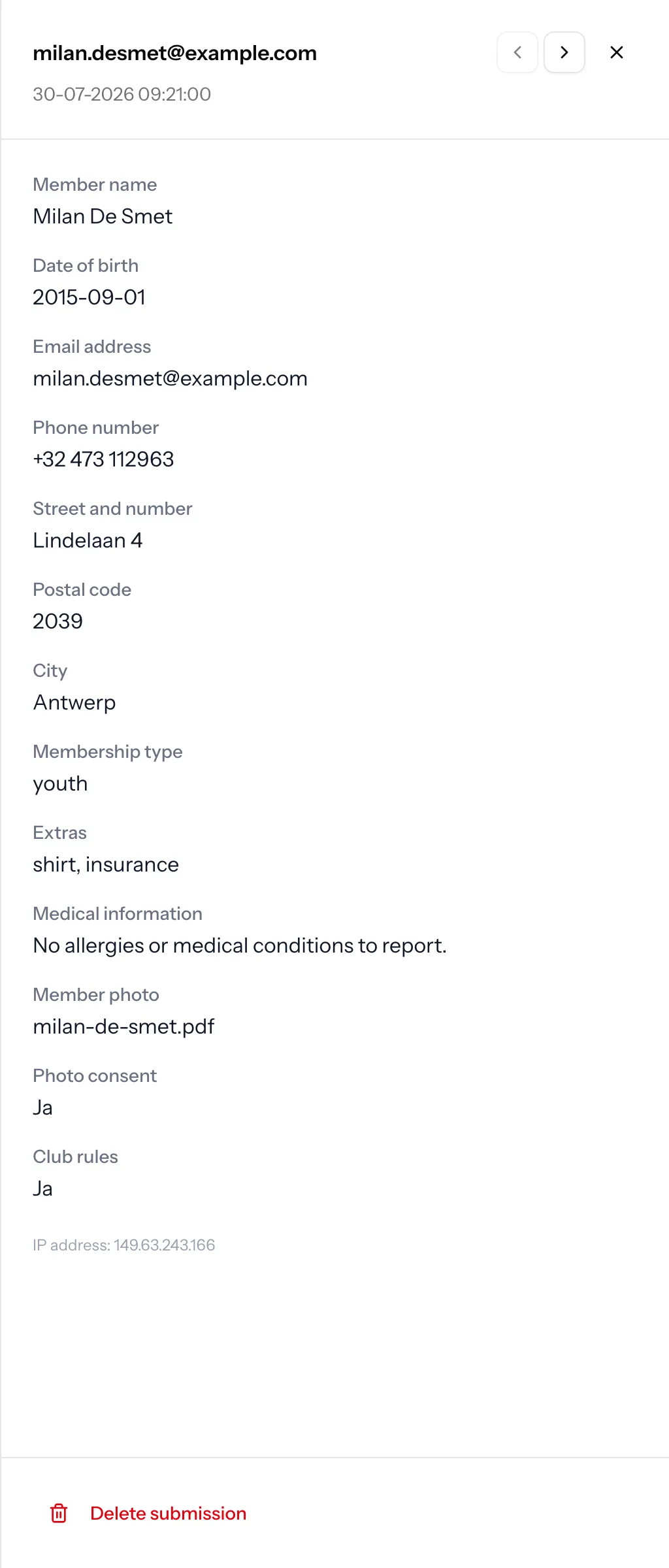
The file is downloadable from the submission it arrived with, through an authorised route, by people with access to the workspace.
- 4
It expires with the submission
When retention deletes the submission, the file goes with it, so documents do not outlive the data they belong to.
Plans and limits
Uploads are the one field type that consumes storage, so the limits matter.
Pro and Business only
File uploads are part of the Pro and Business plans, with a fourteen-day Pro trial on every new workspace.
Storage is capped per plan
Free includes 50 MB, Pro 2 GB and Business 10 GB across the workspace.
One file per field
A file field collects a single file. Use several fields when you need several documents, which also keeps them labelled.
Common questions
- Can anyone with the link open an uploaded file?
- No. Files are stored on a private disk and served only through an authorised download route to people with access to the workspace.
- What happens to files when submissions are deleted?
- They are deleted with the submission when the retention period expires.
- How large a file can someone upload?
- There is a per-file size limit, and uploads also count against your workspace storage allowance of 50 MB on Free, 2 GB on Pro and 10 GB on Business.
- Can I make the upload conditional?
- Yes. Like any field, a file upload can be shown only when another answer calls for it, so people are not asked for documents that do not apply to them.
Who this is for
Collect the document with the form
Add a file field and stop chasing attachments by email.