Integrations
Submissions in your spreadsheet, as they arrive
Plenty of work still happens in a spreadsheet, and that is fine. Connect a Google account once and TinyForms appends each submission to a sheet the moment it comes in, so the version people are working from is never yesterday's export.
The problem it solves
The manual export is not slow so much as unreliable. Someone exports on Monday, three registrations arrive on Tuesday, and by Wednesday two people are working from different files. Syncing on arrival means there is only ever one list, and it is current.
Who this is for
Teams whose next step after collecting answers happens in a spreadsheet.
- Treasurers reconciling contributions
- Coaches and coordinators working from team lists
- Event teams sharing a door list
- Anyone who already has a spreadsheet the whole committee uses
How it works in TinyForms
Connected once per workspace, then switched on per form.
- 1
Connect a Google account
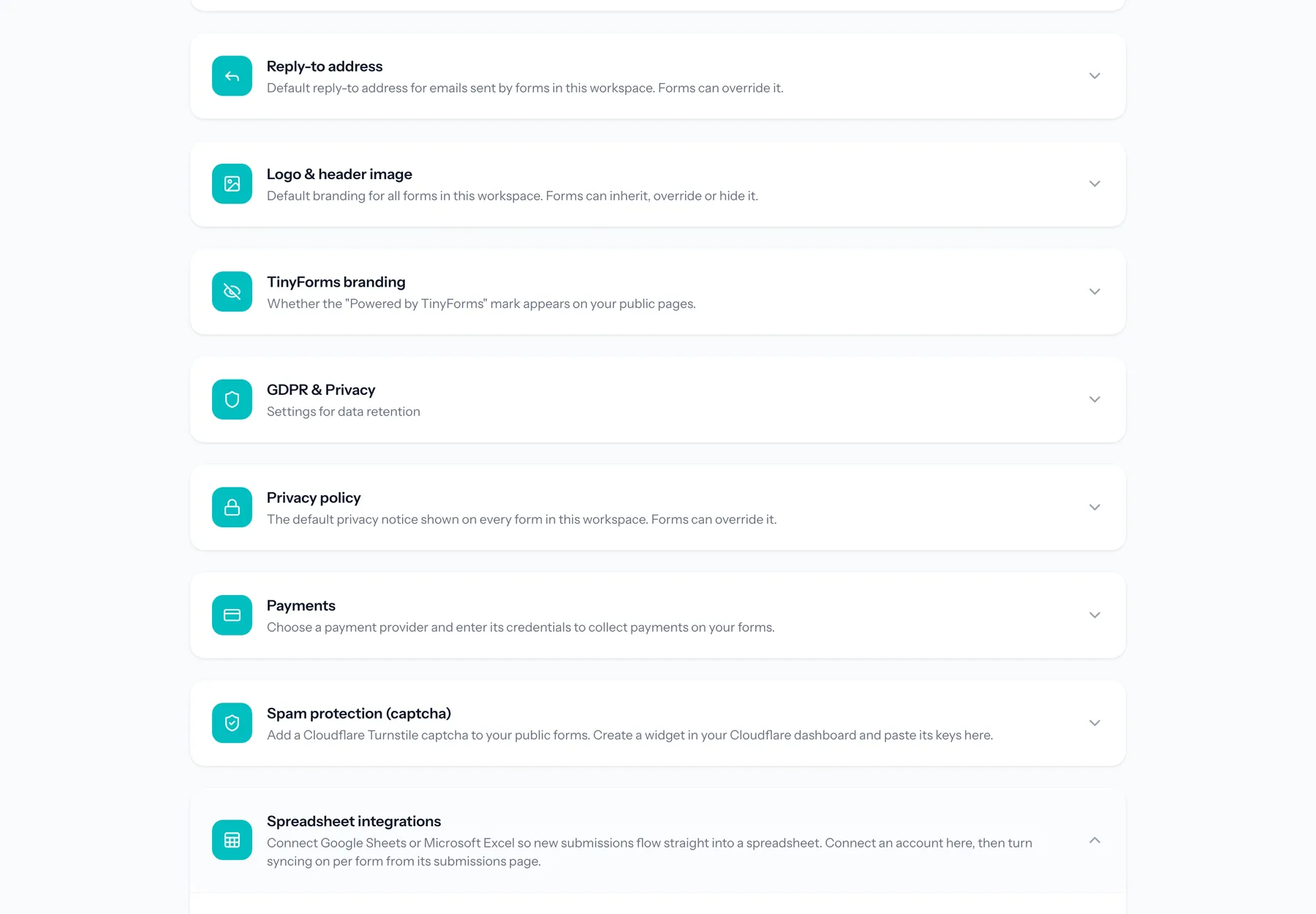
Authorise TinyForms from the workspace integration settings. The tokens are stored encrypted and refreshed automatically.
- 2
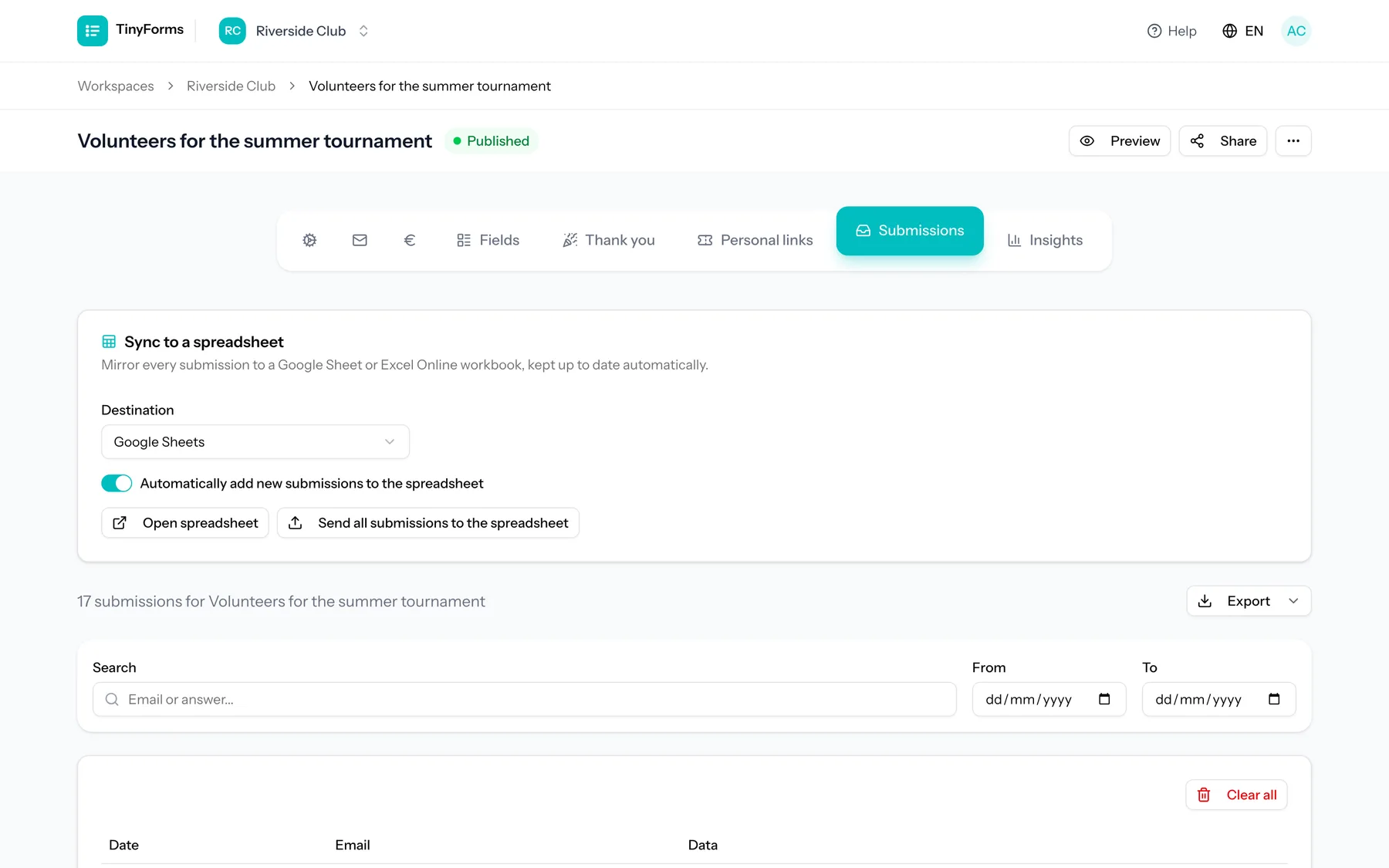
Turn syncing on for a form
A spreadsheet is created for the form with a header row built from your field labels.
- 3
Backfill what you already have
Submissions collected before you enabled syncing are written into the sheet as well, so it starts complete.
- 4
New submissions append themselves
Each new submission is added as a row by a background job, which means a problem at Google's end never blocks or loses a submission.
Plans and limits
Worth knowing before you rely on it.
Pro and Business only
Spreadsheet sync is part of the Pro and Business plans, and every new workspace trials Pro for fourteen days.
One direction
TinyForms writes to the sheet. Editing a row in the spreadsheet does not change the submission it came from.
The sheet is outside your retention policy
Automatic purging deletes submissions in TinyForms. Rows already written to your spreadsheet are in your Google account and are yours to manage.
Common questions
- What happens to submissions from before I switched it on?
- They are backfilled into the sheet when sync is first enabled, so it is not only new entries.
- What if Google is unavailable?
- Syncing runs on a queue and never blocks a submission. The submission is stored in TinyForms regardless and the row is written when the sync succeeds.
- Can I sync some forms and not others?
- Yes. The Google account is connected per workspace, and syncing is switched on per form.
- Is Excel supported as well?
- Yes, Microsoft Excel Online works the same way and connects with a Microsoft account instead.
Who this is for
Stop exporting by hand
Connect a Google account and let the sheet keep itself up to date.