Integrations
Submissions in Excel Online, kept current
If your organisation runs on Microsoft 365, the spreadsheet everyone already opens is in Excel Online. Connect a Microsoft account once and TinyForms appends each submission to a workbook as it arrives.
The problem it solves
Schools and larger associations are usually standardised on Microsoft, and asking them to keep the master list in a Google Sheet means either a second account or a second copy. Excel Online sync puts the answers where the rest of the organisation is already working, with the same permissions and the same sharing rules.
Who this is for
Organisations already inside Microsoft 365.
- Schools with Microsoft accounts for staff
- Sports clubs whose administration is shared over OneDrive
- Associations with a Microsoft 365 tenant
- Anyone whose reporting workbook is already in Excel
How it works in TinyForms
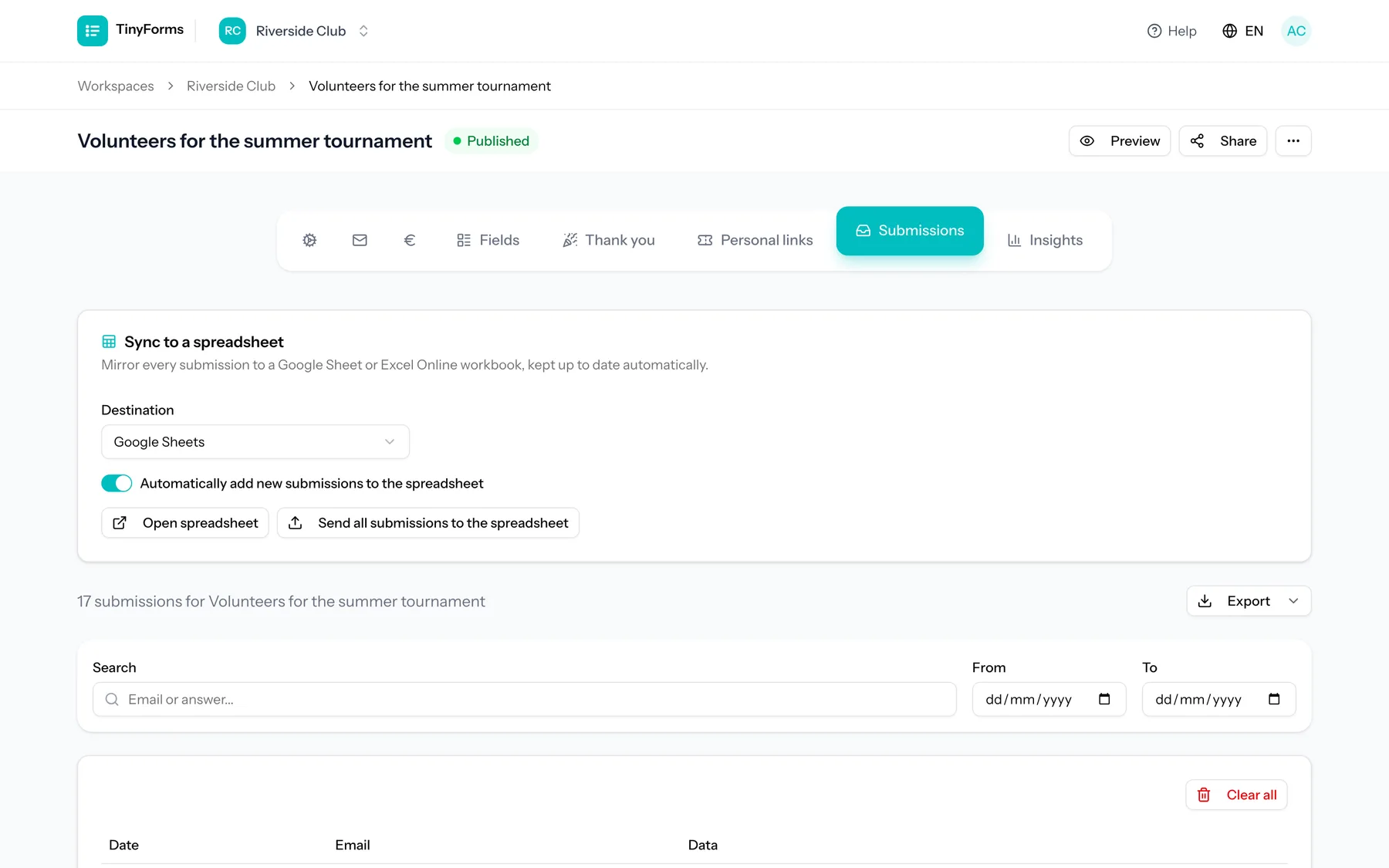
Identical to the Google Sheets integration, with a Microsoft account instead.
- 1
Connect a Microsoft account
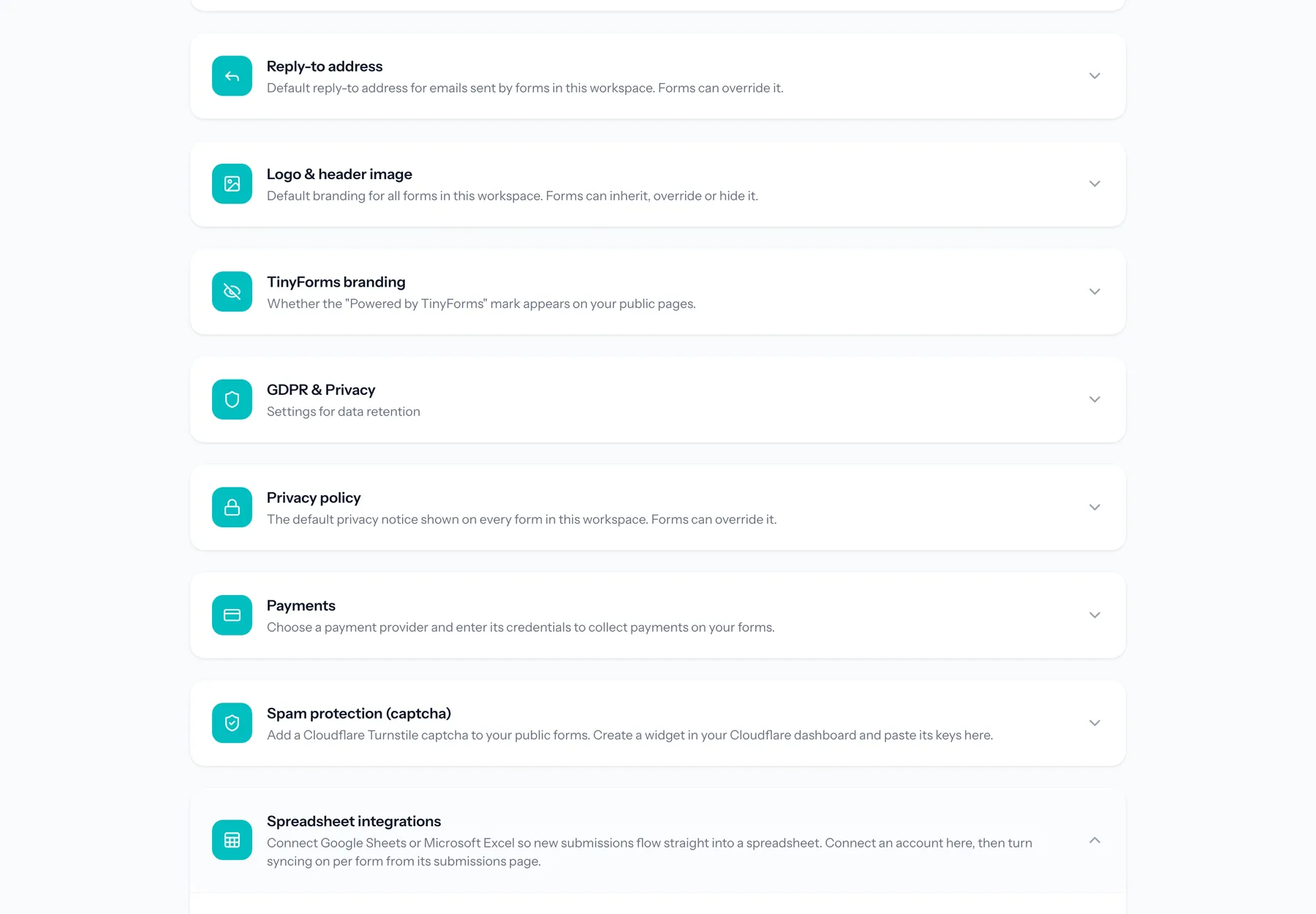
Authorise TinyForms from the workspace integration settings. Tokens are stored encrypted and refreshed as needed.
- 2
Enable syncing on a form
A workbook is created for the form with a header row taken from your field labels.
- 3
Existing submissions are backfilled
Everything collected before you switched it on is written into the workbook too.
- 4
Each new submission is appended
A background job adds the row, so a temporary problem at Microsoft's end never affects the submission itself.
Plans and limits
The same boundaries as the Google integration.
Pro and Business only
Spreadsheet sync is part of the Pro and Business plans, with a fourteen-day Pro trial on every new workspace.
One direction
Changes made in the workbook do not travel back into TinyForms.
One provider at a time per form
A form syncs to one spreadsheet. Connect the account that matches where the work actually happens.
Common questions
- Do I need a paid Microsoft 365 account?
- You need a Microsoft account that can use Excel Online and authorise the connection. The permissions your organisation grants are between you and Microsoft.
- Can I switch from Google Sheets to Excel Online later?
- Yes. Connect the other provider in the workspace integration settings and enable syncing on the form again.
- What are the column headings?
- The labels of your form fields, written as a header row when the workbook is created.
- Does it slow the form down?
- No. Syncing runs on a queue after the submission is stored, so the respondent never waits for it.
Who this is for
Keep the workbook everyone uses current
Connect a Microsoft account and let submissions write themselves into Excel Online.