Retention and GDPR Link to this section
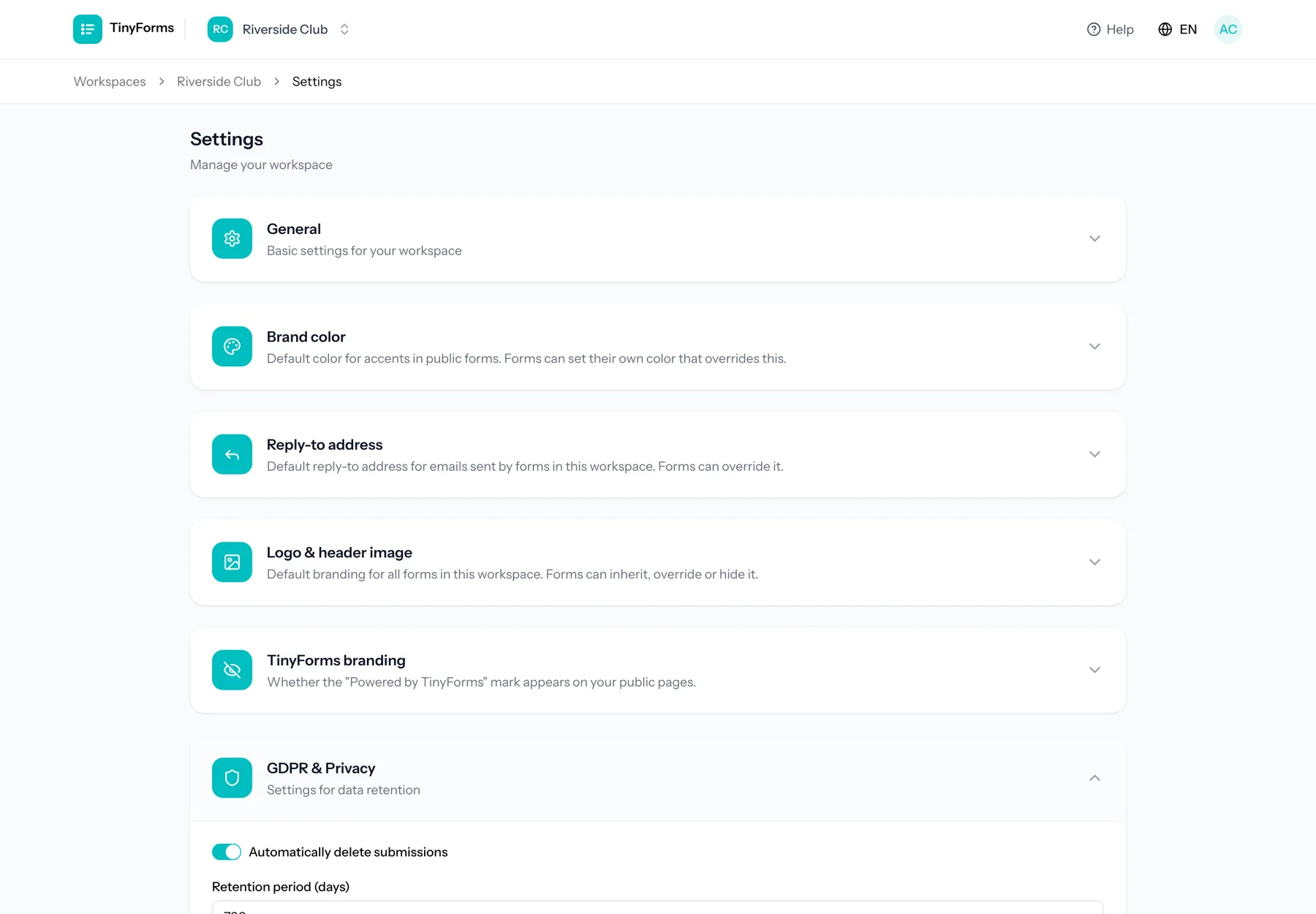
You decide how long submissions are kept with the retention setting on your workspace. Once that period passes, submissions are deleted automatically every day, keeping only anonymised statistics. This helps you stay GDPR compliant without manual cleanup. You find the setting in the workspace settings, under GDPR & Privacy.
A new workspace starts at 30 days, the most the Free plan allows. When it moves to a paid plan with that starting value unchanged, it is raised to 90 days. A period you have set yourself is never changed. Pro keeps submissions for up to a year, and only Business can keep them indefinitely.
When submissions are deleted Link to this section
The retention period counts from the day each submission came in. Deleting runs every night, so a submission goes in the first night after it reaches that age. Submissions in the bin are included: the bin does not add time on top of the retention period.
Owners and admins get a weekly email listing, per form, the submissions that will be deleted in the next two weeks, so each one is announced at least a week ahead. The submissions list shows the same: a notice when submissions are due within a week, and the date next to each of them. Everyone can turn the email off under Email notifications in their profile settings.
A shorter retention period also applies to the submissions you already have, so everything older than the new period is deleted the following night. You are asked to confirm before a shorter period is saved.
A deleted form is kept for 30 days and then erased for good, together with its submissions, uploaded files, personal links and payment records. Its logo and images stay as long as a copy of the form still uses them.
Payment records are kept
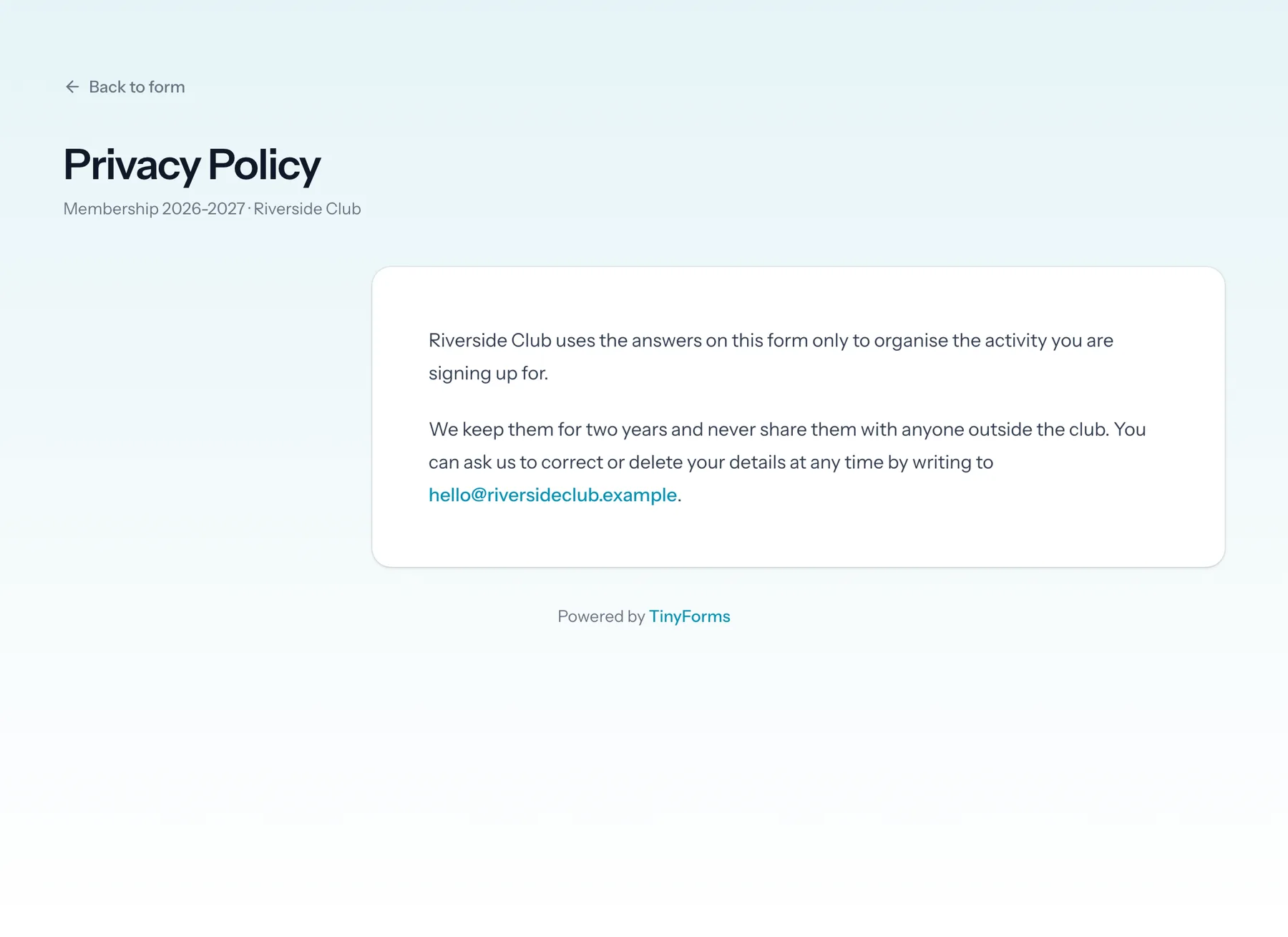
When a submission is deleted, its payment record (amount, date and payment reference) stays. It holds no answers or contact details, and remains your record of money received, which accounting rules usually require you to keep for years. The privacy page of a form that takes payments says so. Export the submissions first if you also want to keep who paid what. The payments themselves stay in the dashboard of your payment provider, where nothing in TinyForms deletes them. In TinyForms you find them on the Payments tab next to the form's submissions.
How your data is stored Link to this section
- Uploaded files are kept on a private store and can only be downloaded by authorised people, never from a public link.
- The IP address and browser of each submission are kept for 30 days so you can look into suspicious activity. Only owners and admins see them, and they are not part of exports.
- Everything is hosted in the EU.
- The AI assistant runs on Mistral AI and is hosted in the EU. It only receives the texts of your form, never the answers.
More detail
For the full picture, including sub-processors and your rights, read our privacy policy.
Deleting your account Link to this section
You can delete your account yourself, under Delete account in your profile settings. Your account goes at once, and so do the workspaces you were the only person in, with every form and submission in them. Any subscription on those is cancelled straight away.
- Workspaces you were only a member of stay exactly where they are. You are simply no longer in them.
- A workspace you own that other people work in is not yours to take down. Hand it to another member first, from the members page, and the deletion goes through.
- The workspaces that go with your account keep the same 30-day window as any other deleted workspace before they are erased for good.