What is a workspace? Link to this section
Every form, submission and member lives inside a workspace. The workspace is also the billing boundary: your plan applies to the whole workspace. Many organisations only need one, but you can create more (for example one per department) on a paid plan.
General settings Link to this section
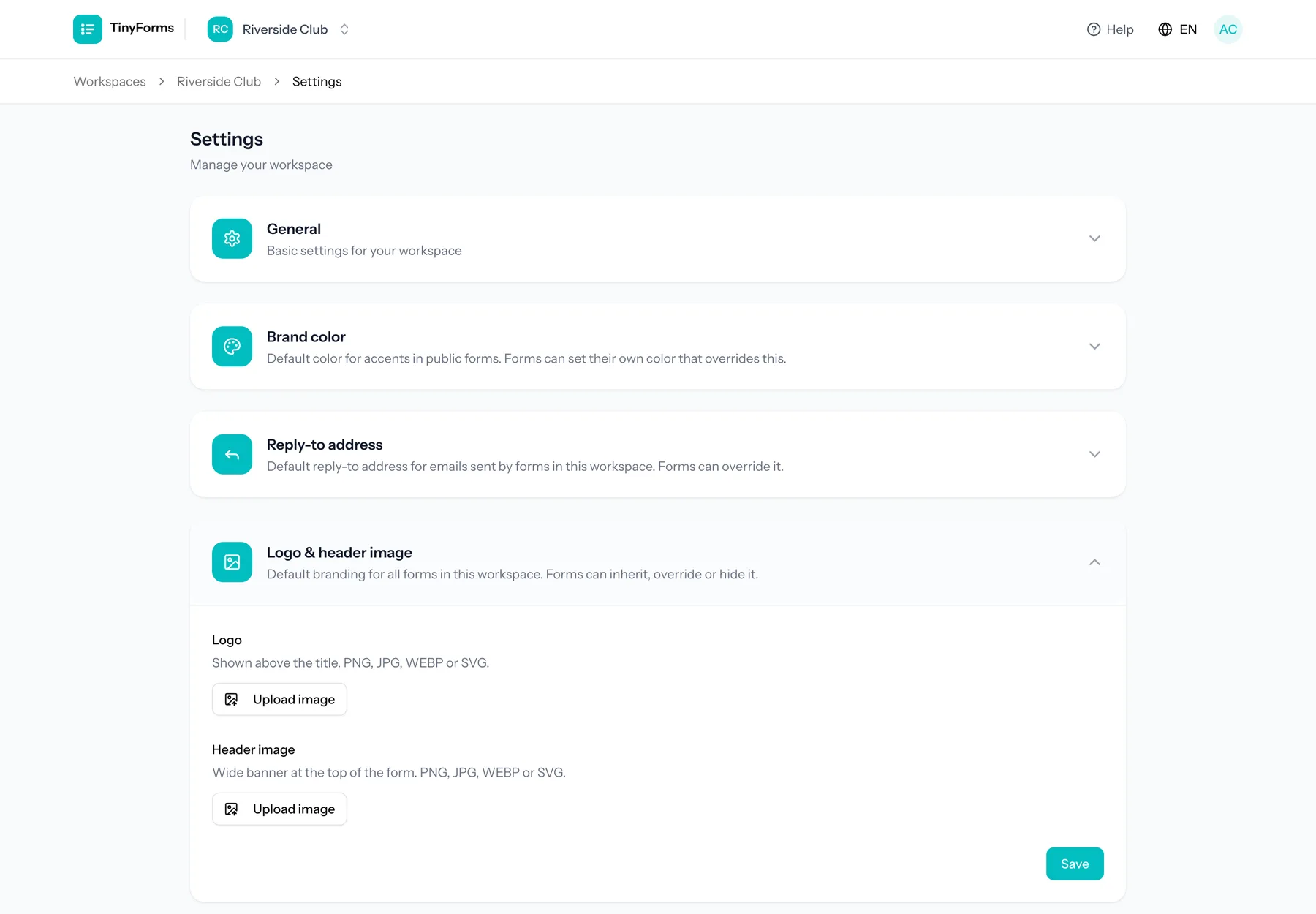
| Setting | What it does |
|---|---|
| Name | The display name of your workspace, shown in the switcher and across the app. |
| Slug | The short identifier used in your public form addresses. Keep it short and recognisable. |
| Brand colour | The default accent colour inherited by new forms. Individual forms can override it. |
| Reply-to email | The address that replies to your form emails are sent to. |
| Retention days | How long submissions are kept before they are automatically deleted. |
Retention and privacy
When the retention period passes, submissions are deleted automatically and only anonymised statistics are kept. See Data and privacy for the details.
The brand colour and the text on it Link to this section
The brand colour carries the accents of your public forms: the submit button, the progress bar, selected options and the button in the notification email.
The text on top of that colour is picked for you so it stays readable: white on a dark colour, near black on a light one such as a bright yellow, where white would all but disappear. You do not have to set anything.
If your brand guide insists on one or the other, choose White or Dark under "Text on the brand colour". A warning appears when the combination you force is hard to read.
Per form
A form that sets a brand colour of its own also picks its own text colour. A form that inherits the workspace colour inherits this choice with it.
Deleting a workspace Link to this section
The owner can delete a workspace from the danger zone at the bottom of the workspace settings. It takes every form, submission and uploaded file in the workspace with it, so export anything you want to keep first.
- Only the owner sees the button. Admins manage the workspace, but deleting it is not theirs to do.
- A running subscription is cancelled immediately, so nothing is billed after the workspace is gone. There is no refund for the rest of the period.
- Everyone who had the workspace open is put back on their workspace list.
Thirty days to change your mind
A deleted workspace is out of sight straight away, but we keep it for 30 days. Get in touch within that window and we can put it back. After that it is erased for good, files and all. Its web address is handed back at once, so you can make a new workspace with the same name and the same address. Restore the old one after somebody has taken that address, and it comes back at a different one.